RAW Files Explained

What is a “RAW” file?
Despite its appearance as a capitalized word, RAW is not an acronym. It’s a general term for the original and unprocessed image data produced by a camera’s sensor, before any editing or processing has been applied either by the camera’s internal software or by computer software. RAW files are sometimes referred to as “digital negatives” because they are functionally similar to a negative in film photography; the files contain the information needed to produce the final image, but are unusable in their current state. Think of an analogy of the RAW image file being the ingredients in a cake, which need to be mixed and baked before they become the final product.
In their unprocessed state, RAW images will often appear dull and flat. This is because each pixel contains a significant amount of data which can then be processed or “developed” by using photo editing software.
RAW files will have different file extensions depending on the brand or model of camera used to produce them.
Misunderstandings about RAW Files
Often misunderstood by non-photographers, RAW files aren’t simply unedited or un-retouched images. The proprietary file format requires photo editing software to interpret the data and allow the image to be viewed. RAW files are supported by many software programs and apps, but are not immediately usable for the web or for printing.
Advantages of Shooting in RAW
Most professional photographers will capture images in RAW format instead of Jpeg. This is because more data is captured in a RAW file and there is more flexibility with the post-processing of the images. The potential to produce a high-quality final image is greater because there is more latitude for subtle alterations to color, light, contrast, and sharpness. Details in the shadows and highlights of an image are more easily brought out. Ultimately capturing images in RAW format gives the photographer more control of the outcome while maintaining the highest quality possible.
While cameras allow the option to capture the images in Jpeg format, this actually requires that the camera automatically apply some pre-set edits before the images are imported. This leaves the photographer with less control over the appearance of the final image. “Getting it right in camera” is a somewhat invalid argument for using Jpeg, because the camera is ultimately applying its own edits without the photographer’s input. Jpeg images can be edited using the same software, but some quality degradation may occur during the process.
Once a RAW file is edited and retouched, the final image is exported as a Jpeg file so that it can be shared electronically or printed. Jpeg or .jpg is a widely used and standardized file format for many types of imagery, including digital photography.
Capturing in Jpeg format offers an advantage only when an image needs to be immediately shared and doesn’t require much post-processing, such as in photojournalism.
Sharing of RAW Files
Photographers generally do not show, share, or sell RAW images to their clients, because it is an unfinished piece of work. In fact, the average person does not have the software or knowledge required for processing RAW files.
Even when exposure and color is acceptably “right” straight from the camera, the RAW or unedited image is not a true representation of the photographer’s art. Photographers are protective of their work and generally do not feel comfortable allowing others to edit their images.
At times there may be a need for RAW files, such as in commercial photography. A business who is commissioning a photographer may have an in-house editor who needs to edit the images in a look consistent with their company brand, which may differ from the photographer’s editing style. Commercial work and the transfer of RAW files typically comes at a steep price compared to standard portrait photography services.
A Photographer is an Artist.
When you are paying for the services of a professional photographer, you’re paying for their art and creativity from start to finish. It’s important to trust the process. You are not missing out by not seeing the RAW files!
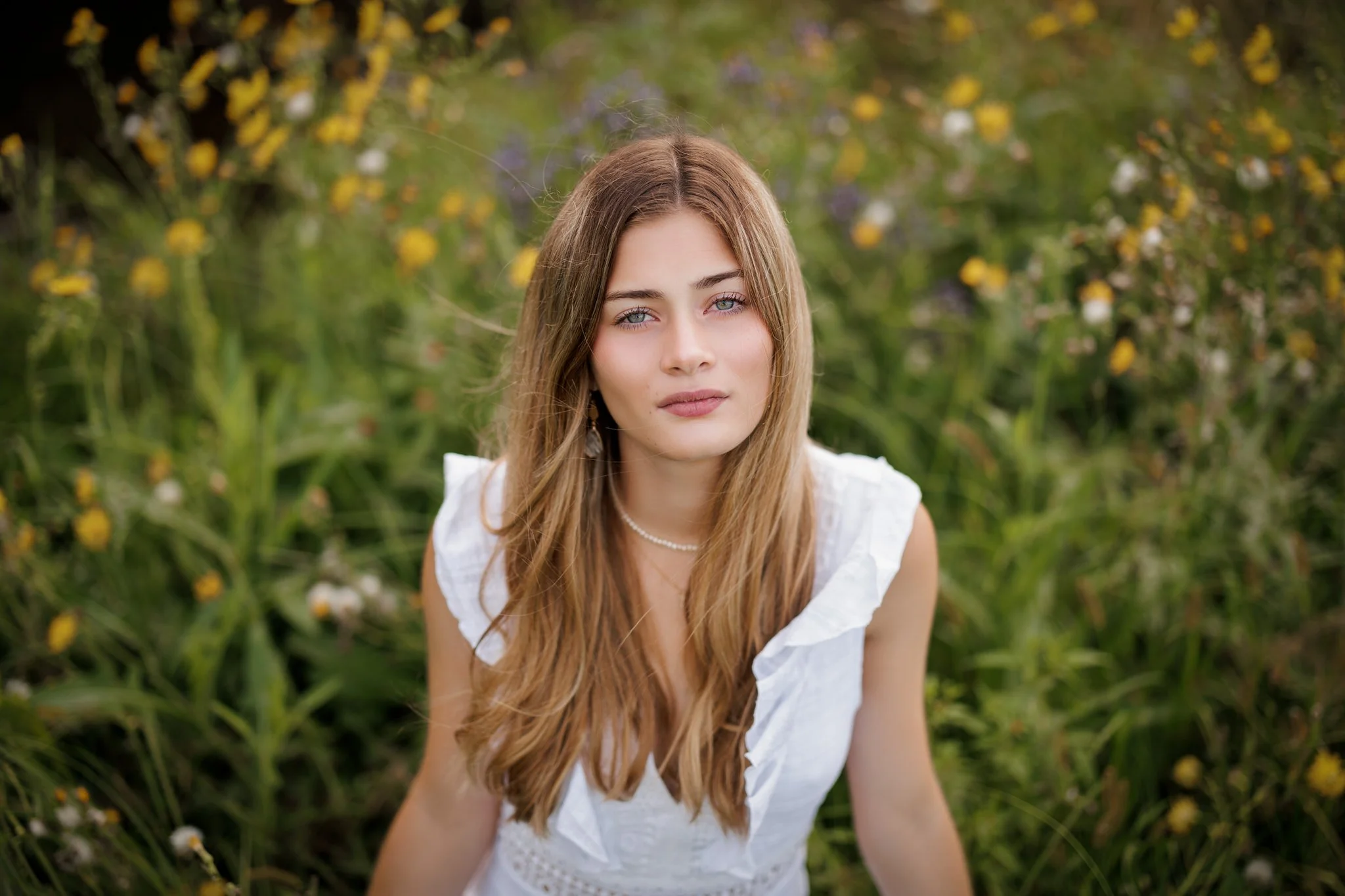
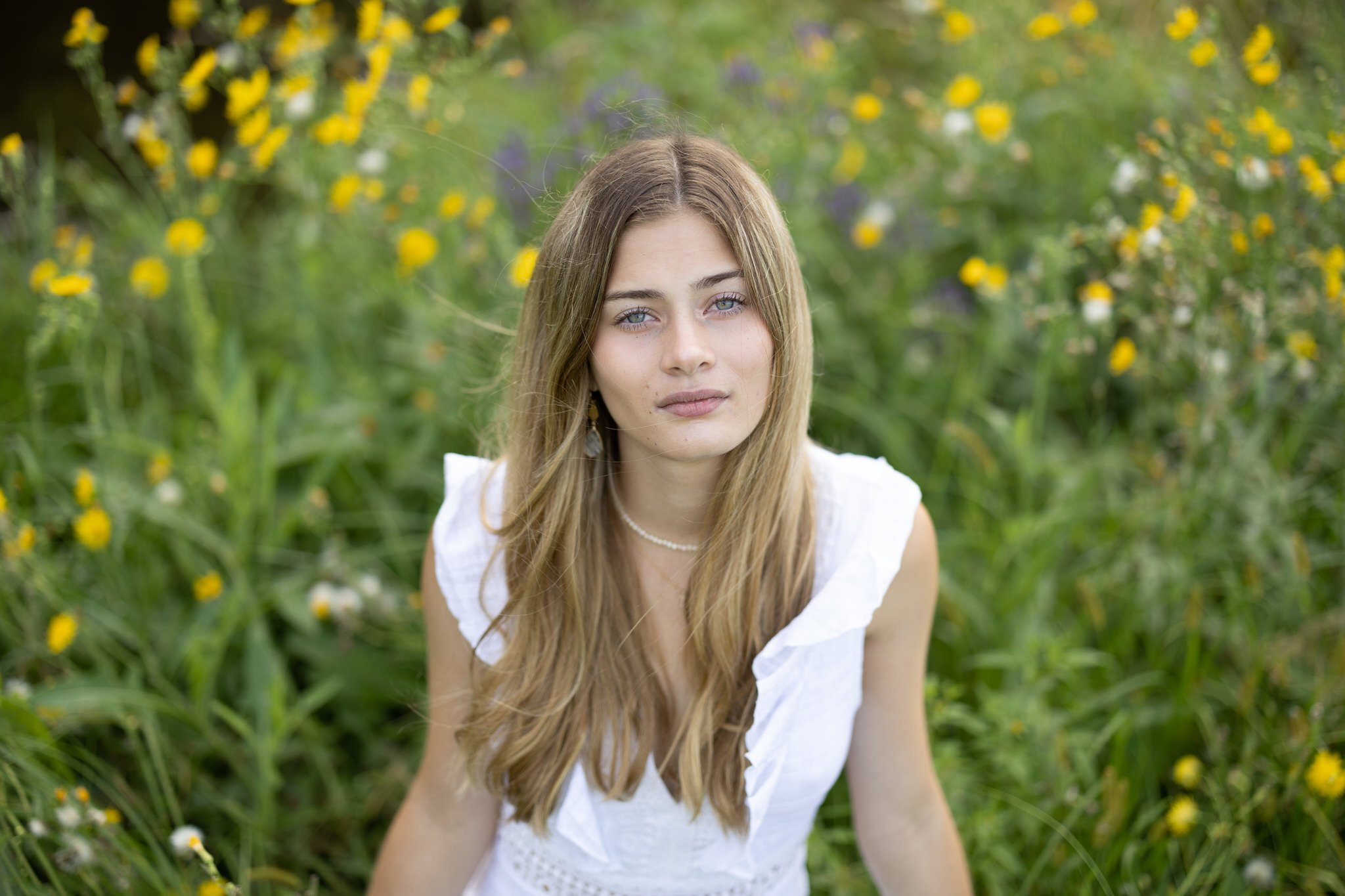
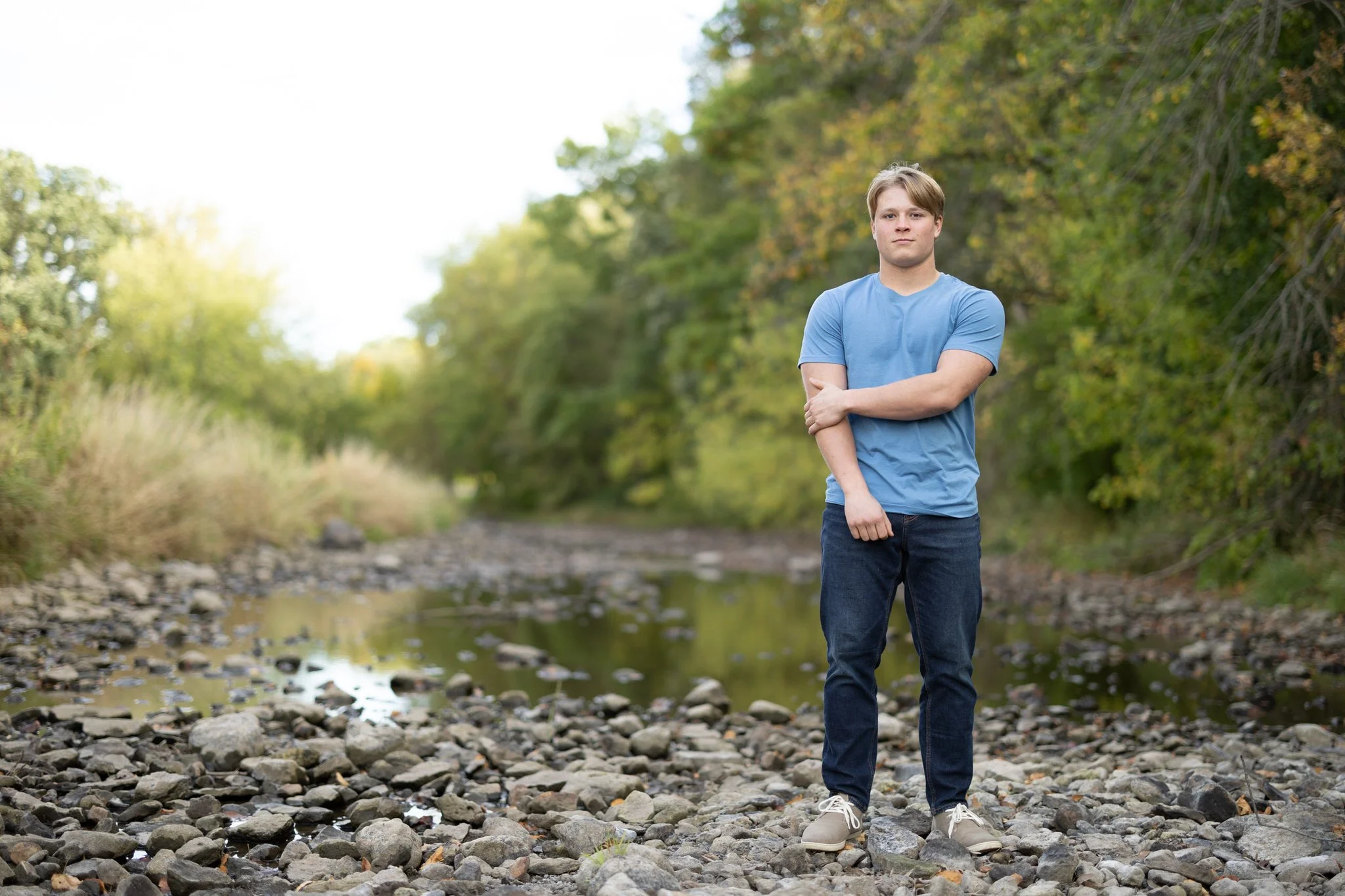
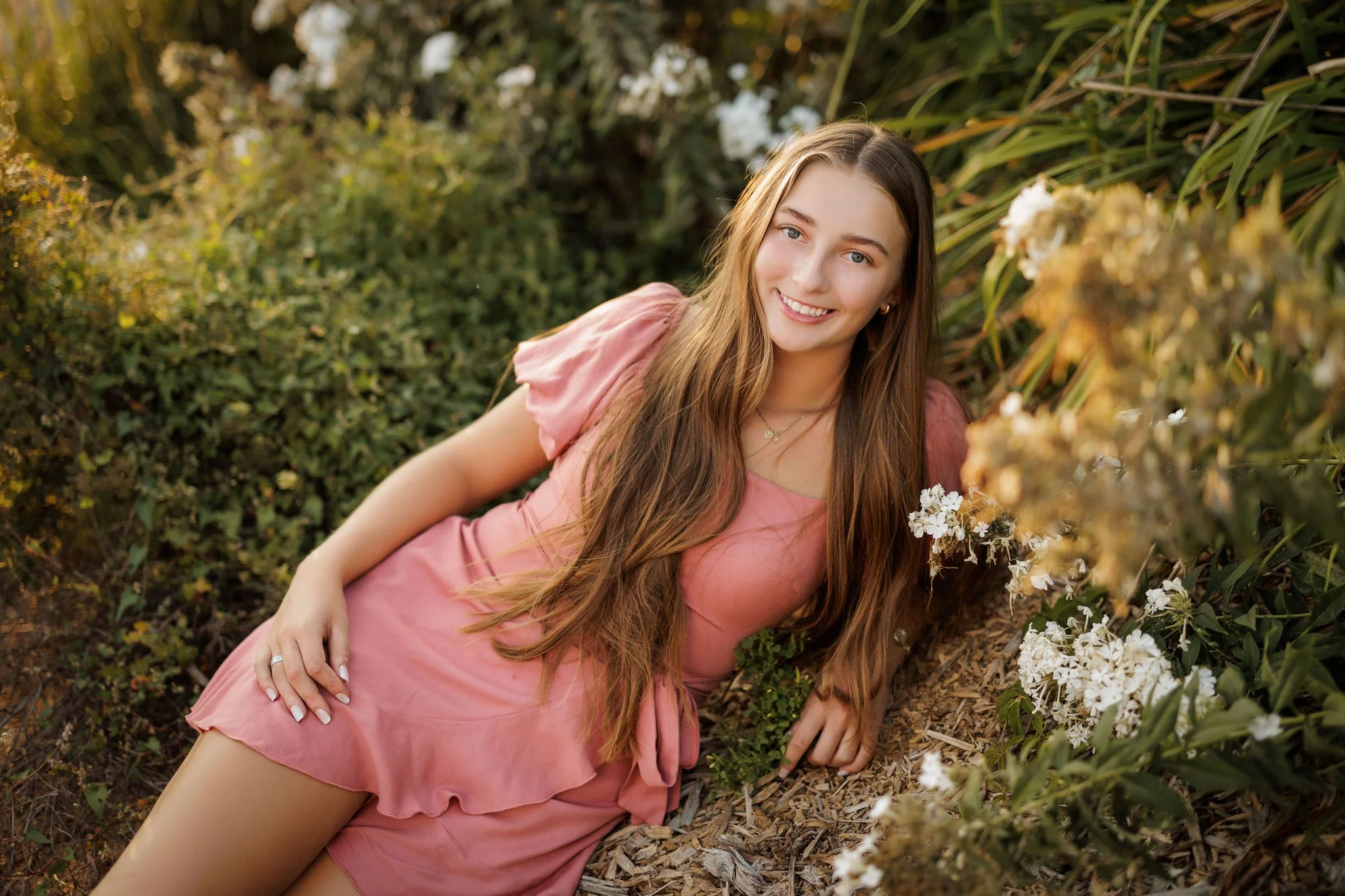
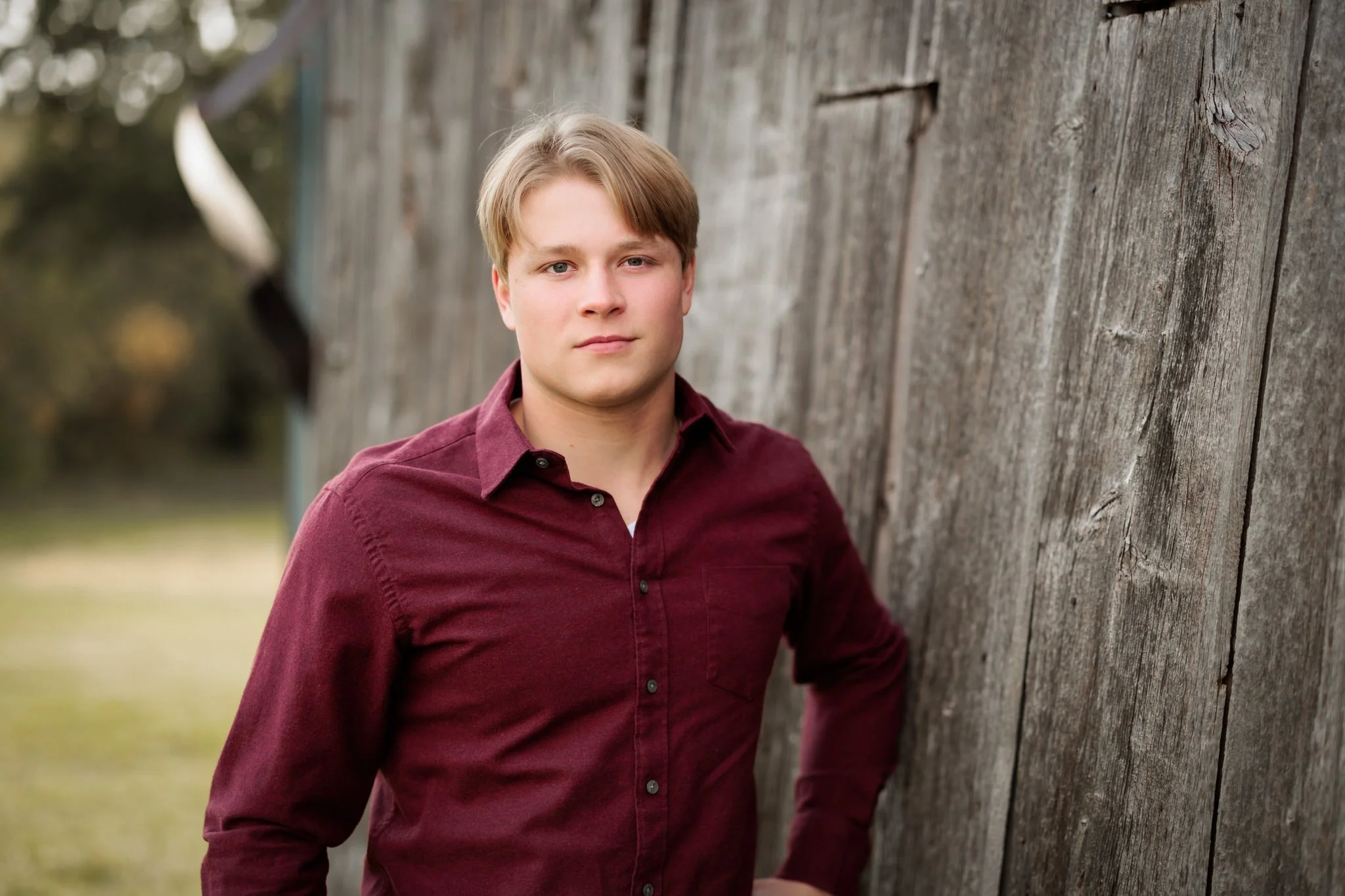
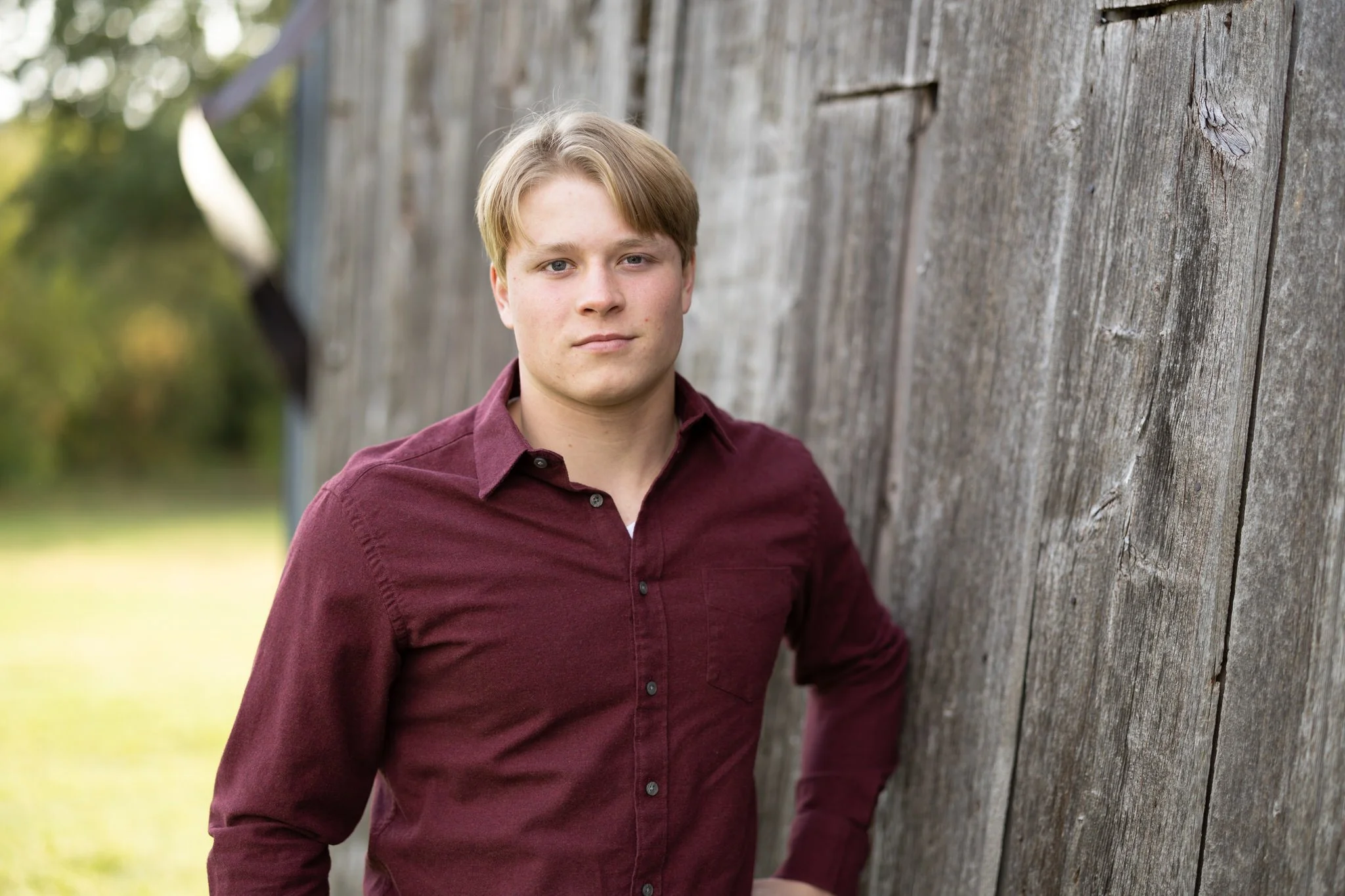
Some examples of edited & retouched images and the RAW image file: